SAMPLE AND DEMONSTRATION ONLY. Illustrative analysis of publicly available information, prepared by BI Consulting Services. Not affiliated with, endorsed by or produced for any company shown.
Demonstration · Illustrative data · BI Consulting Services

Shoreline CPM × BI Consulting Services

Resource & Project Portfolio Board · owner-side program & construction management
Prepared for Roza
September 2026 · Power BI concept demo

Who is staffed where, and is every program still on plan?

One board for the questions Shoreline asked in early 2025: billable utilisation by person and role, staffing demand versus capacity by month, budget-to-actual hours and schedule health across healthcare, civic and science & technology programs.

Staffing demand vs. capacity by month

Hours · planned demand, staffed actuals, team capacity · dashed = next 3 months
Actual staffed hoursPlanned demandTeam capacity (80% billable target)

Resource heat-grid · allocation by person and month

Budget vs. actual hours by project

Sand = budget hours for period · blue = actual staffed hours

Active sites across San Diego County

Bubble = hours staffed in period
HealthcareGovernment & CivicScience & Tech

Ask the data

AI layer · natural-language questions over the same model
Which projects are trending over budget hours?Show me open PM demand by quarterCompare healthcare utilisation vs civic
Also from BI Consulting Services

Private AI on your own server

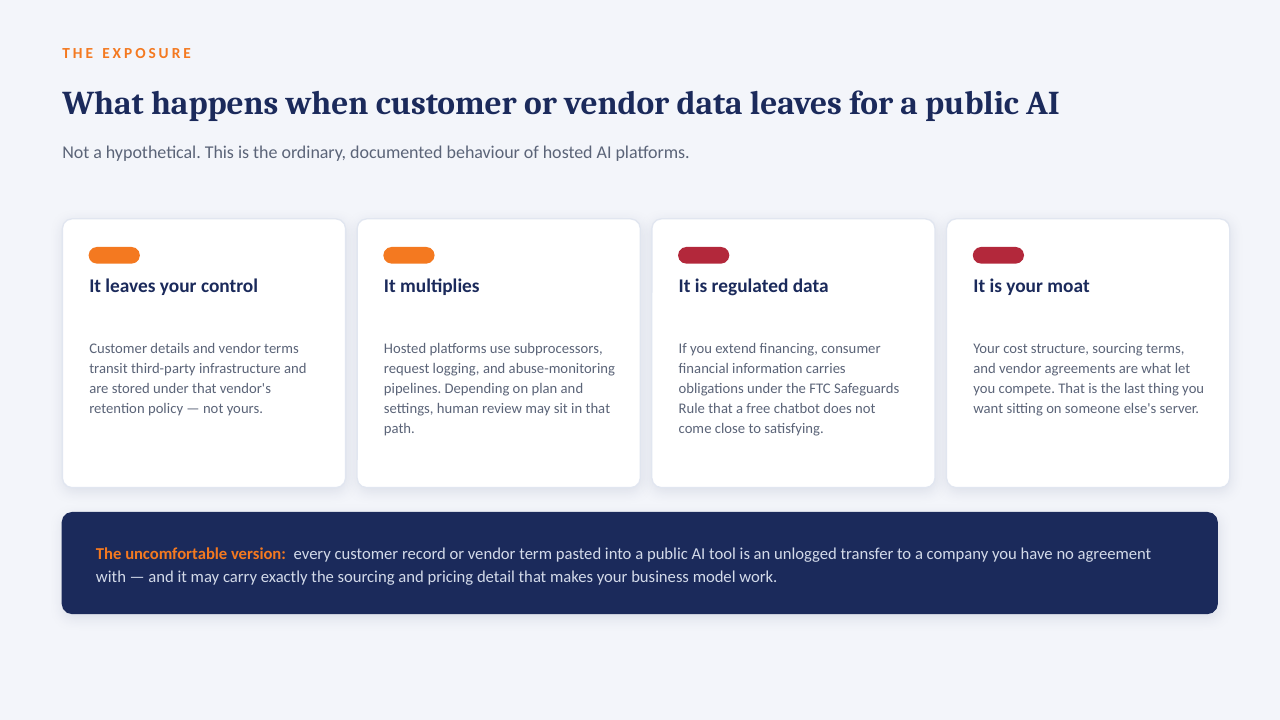
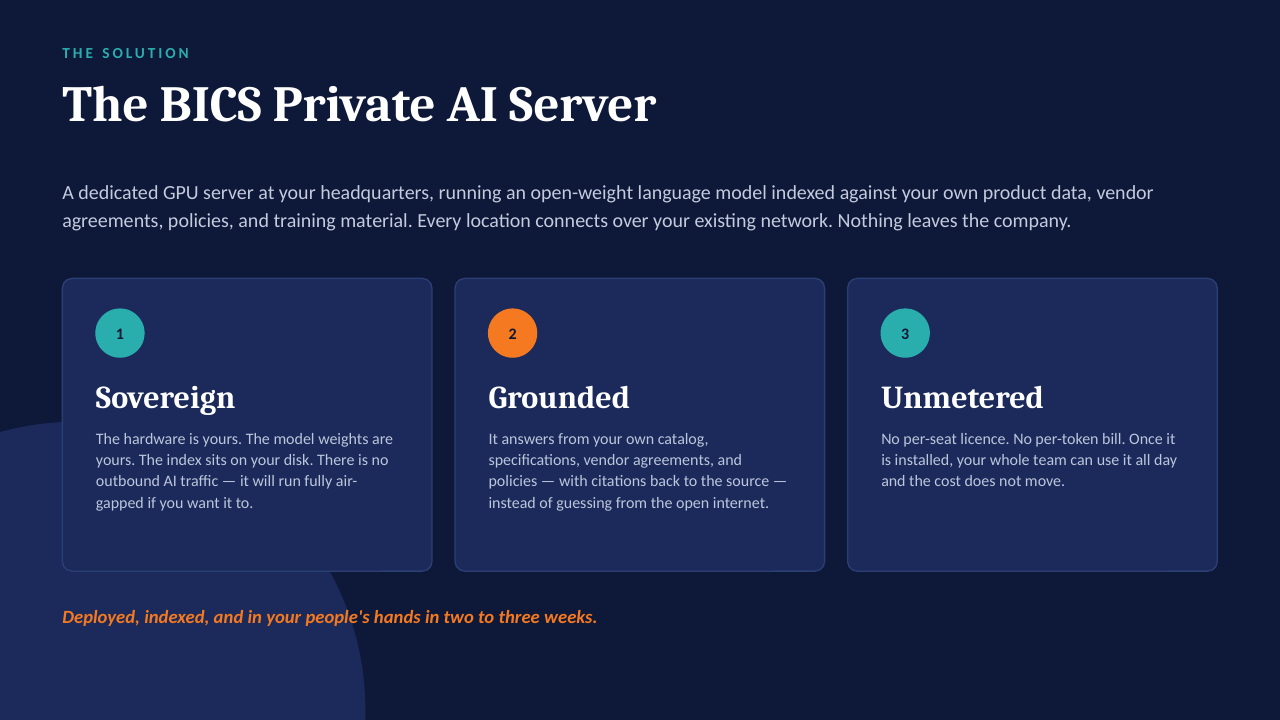
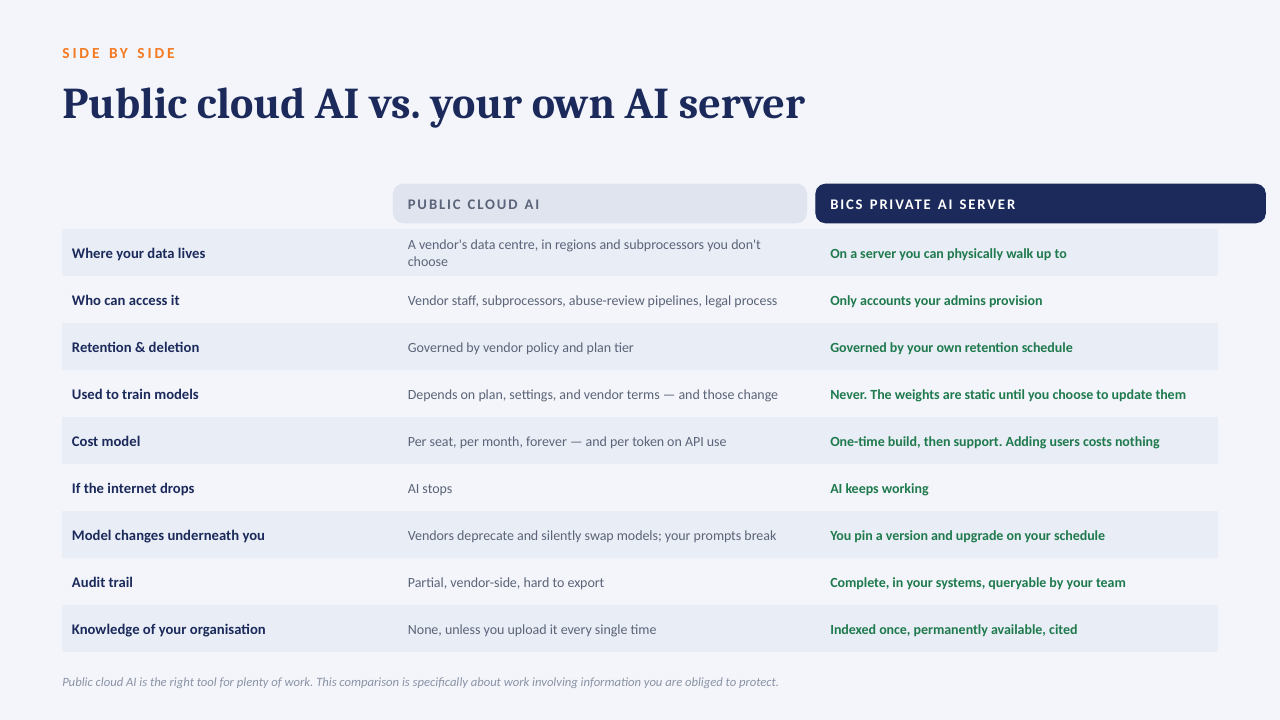
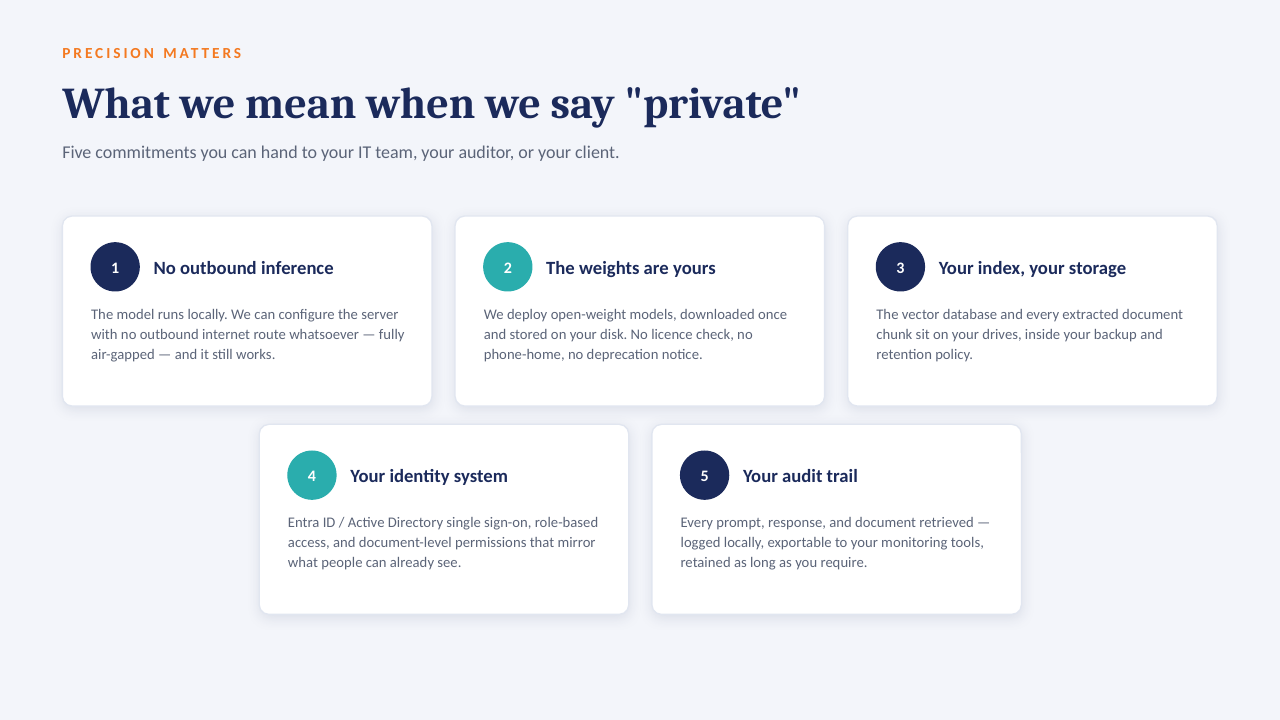
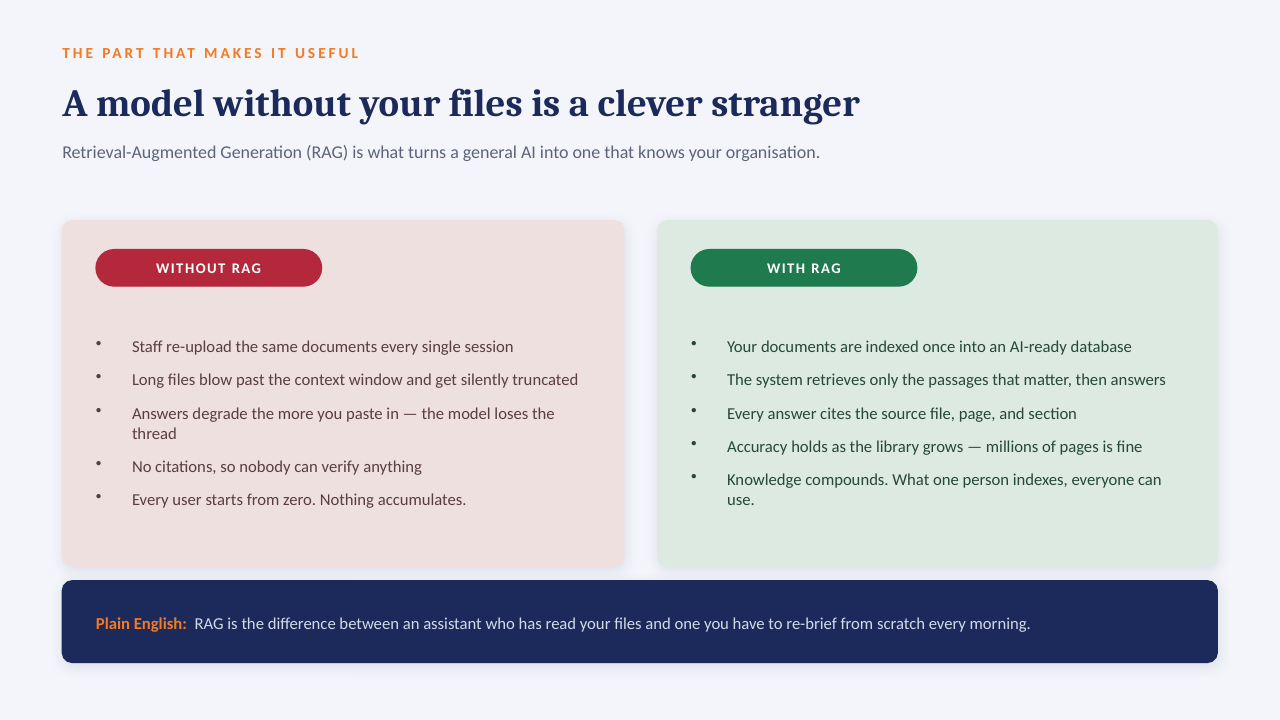
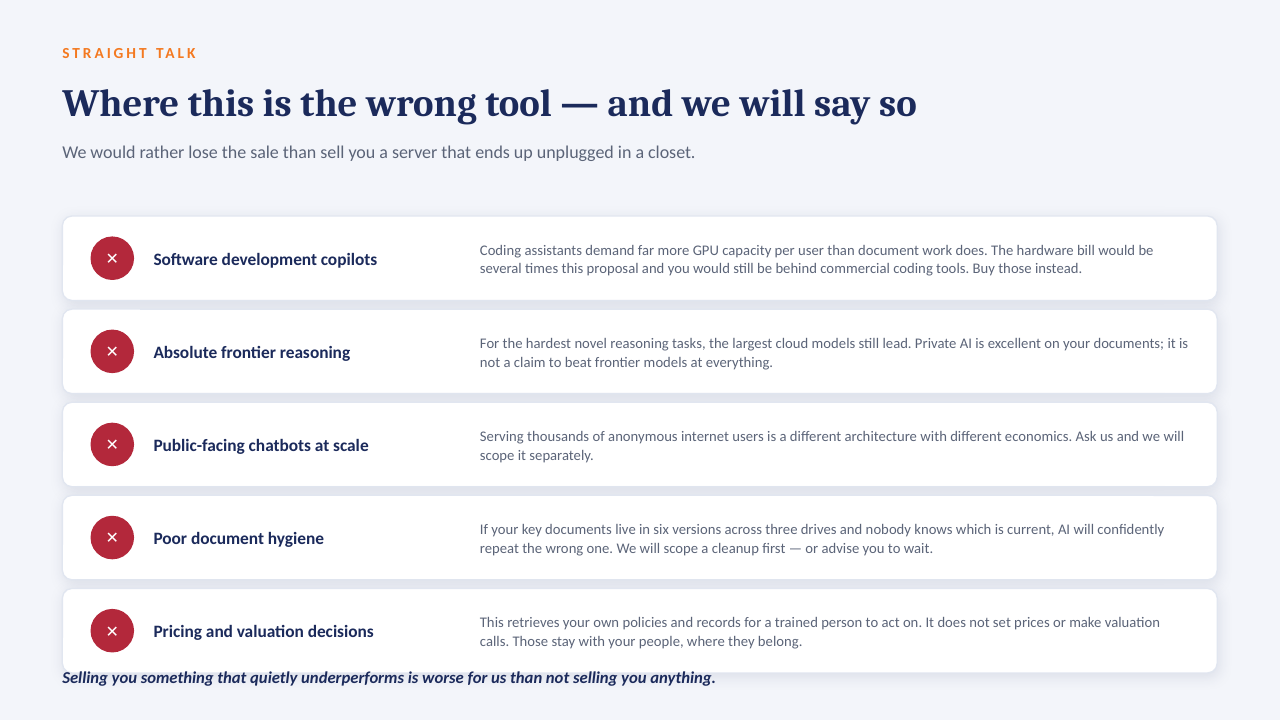
The "ask the data" panel above is built to run on a GPU server inside your own network: an open-weight model over your own documents, with every answer citing the file it came from. No per-seat licence, works offline, and nothing leaves the building.

How it sits in your environment

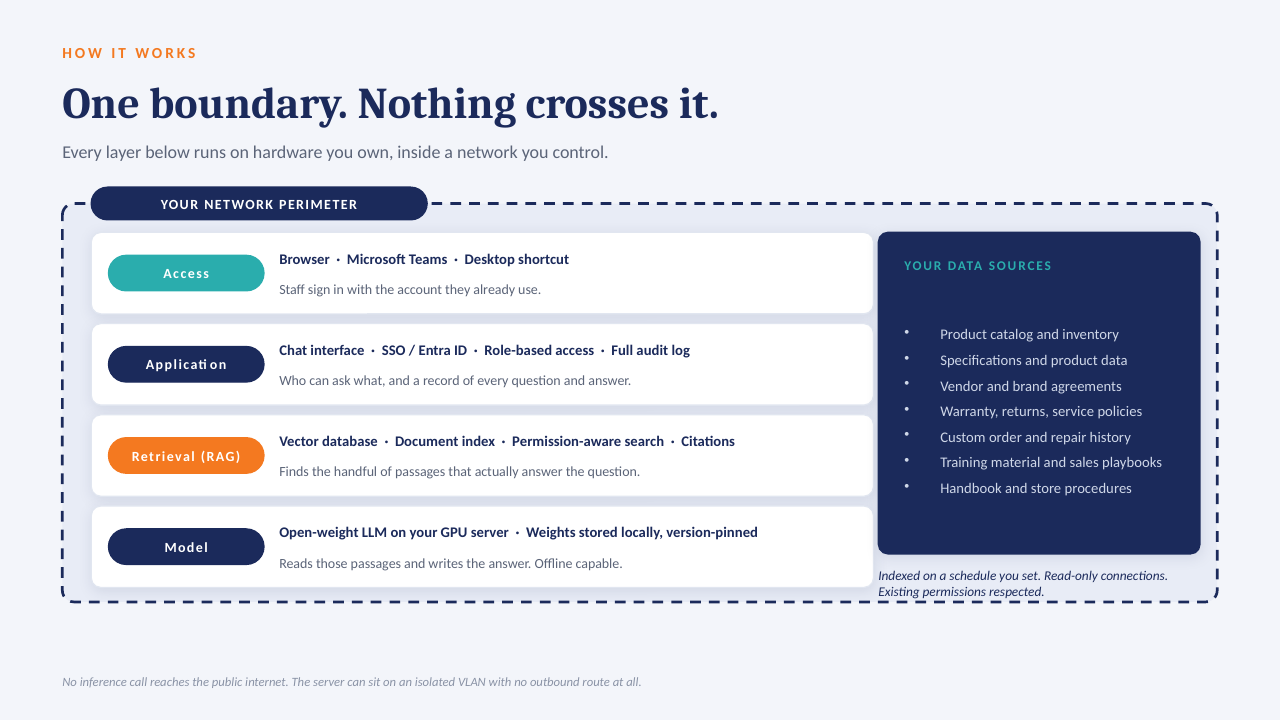
YOUR NETWORK · NOTHING LEAVES THE BUILDING Your files policies · SOPs · contracts reports · ERP exports indexed locally GPU One server, in your building open-weight model · your data only in seconds Cited answers every reply links to the source file and page no cloud AI · no third-party processor
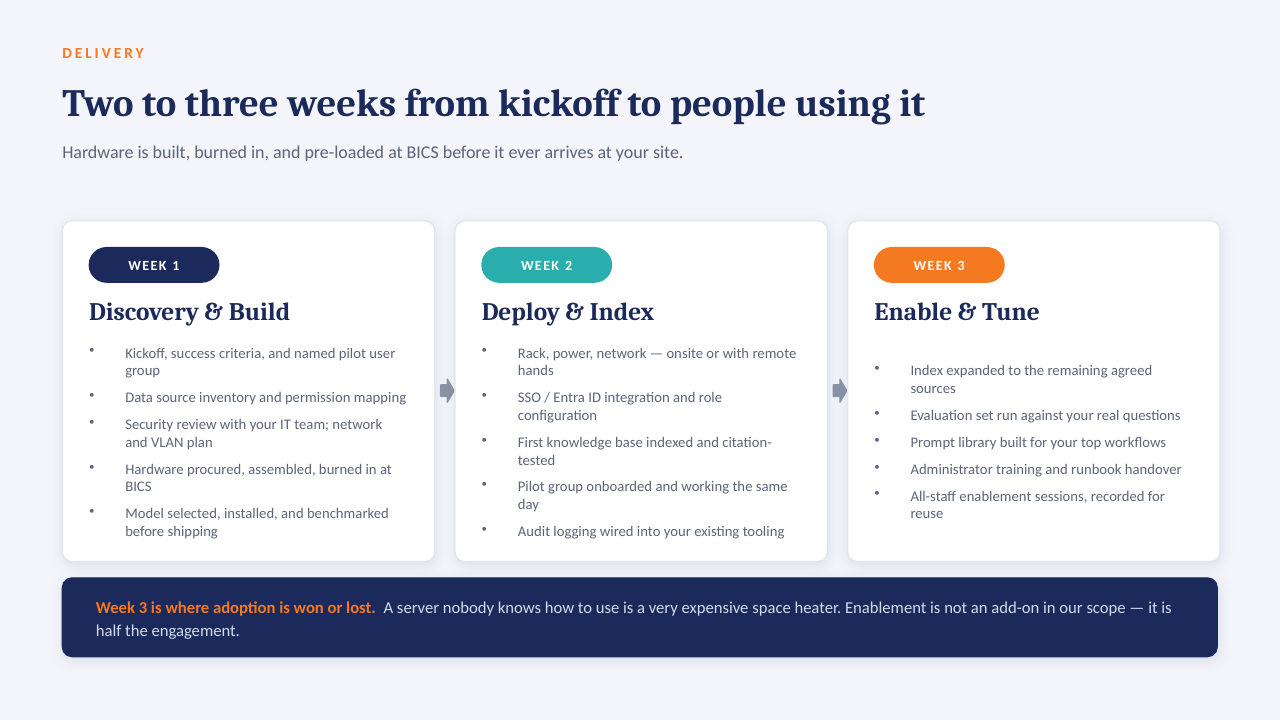
One appliance-class server on your rack or in a secured closet. Your files are indexed where they already live; the model runs locally; answers come back with the source page attached.

What that means in practice

  1. 1
    Your data only, on your hardwareAn open model over your own documents and exports. No third-party AI processor, no data-transfer agreement to review.
  2. 2
    Every answer cites its sourceReplies point to the file and page they were drawn from, so people check the answer instead of trusting it blind.
  3. 3
    No per-seat licenceThe whole team can ask questions. Cost is the server and our build, not a monthly number that grows with headcount.
  4. 4
    Works offlineIf the internet connection goes down, the answers still come. Nothing depends on a vendor's uptime or pricing changes.

The short deck

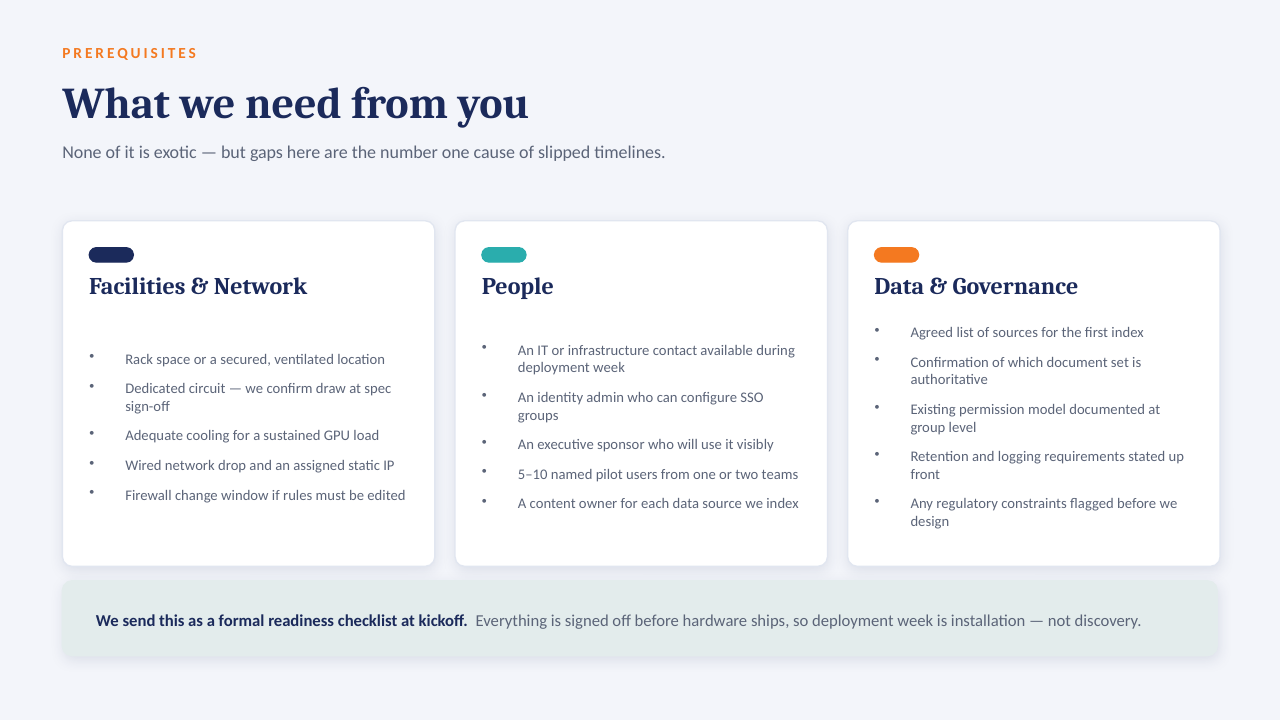
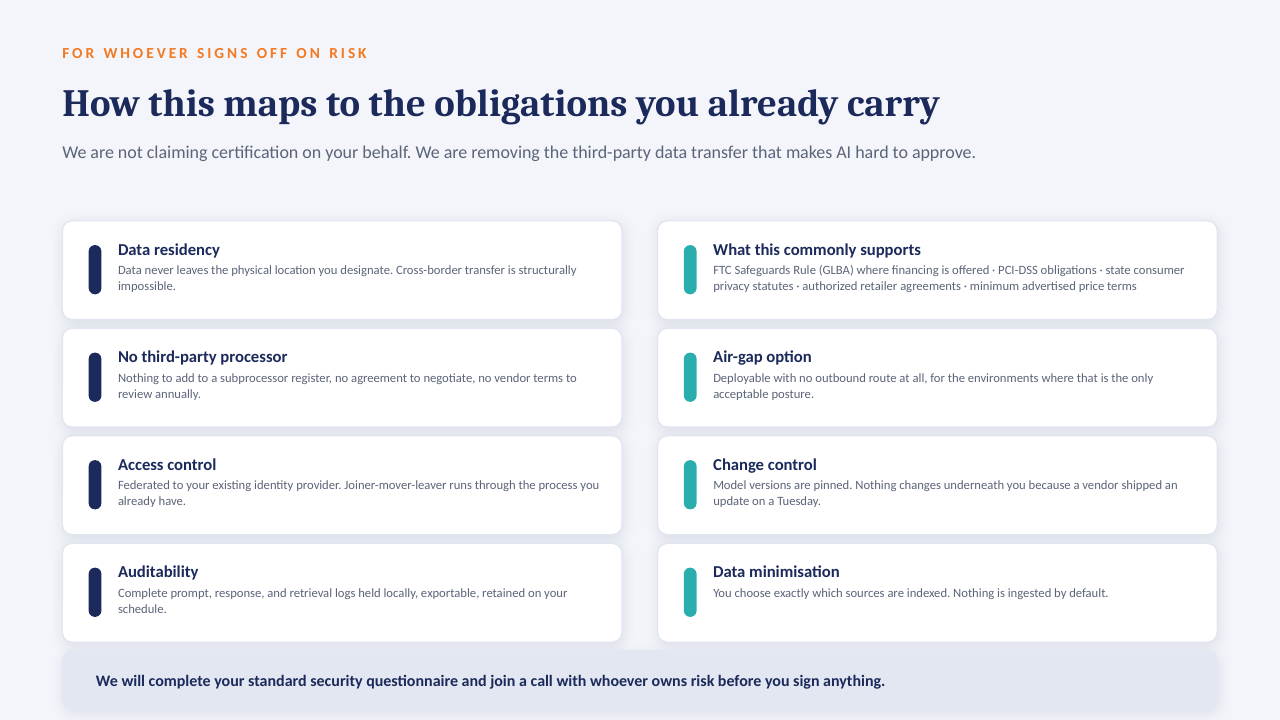
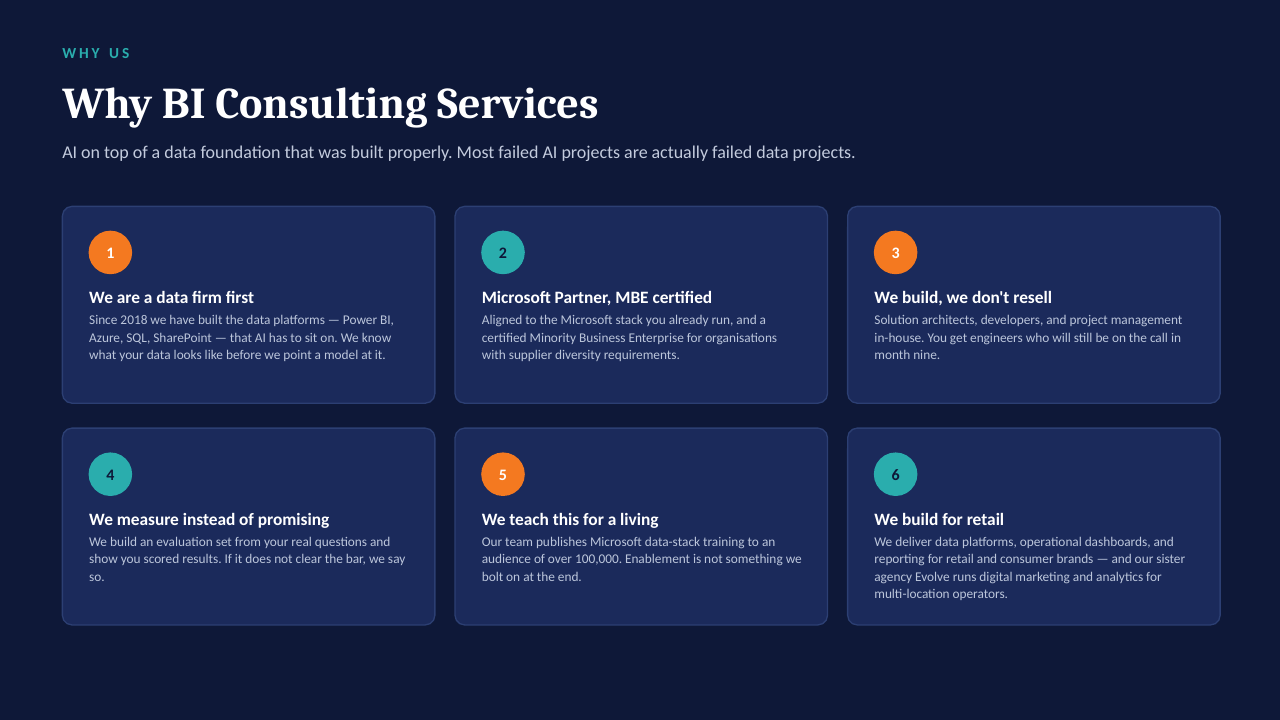
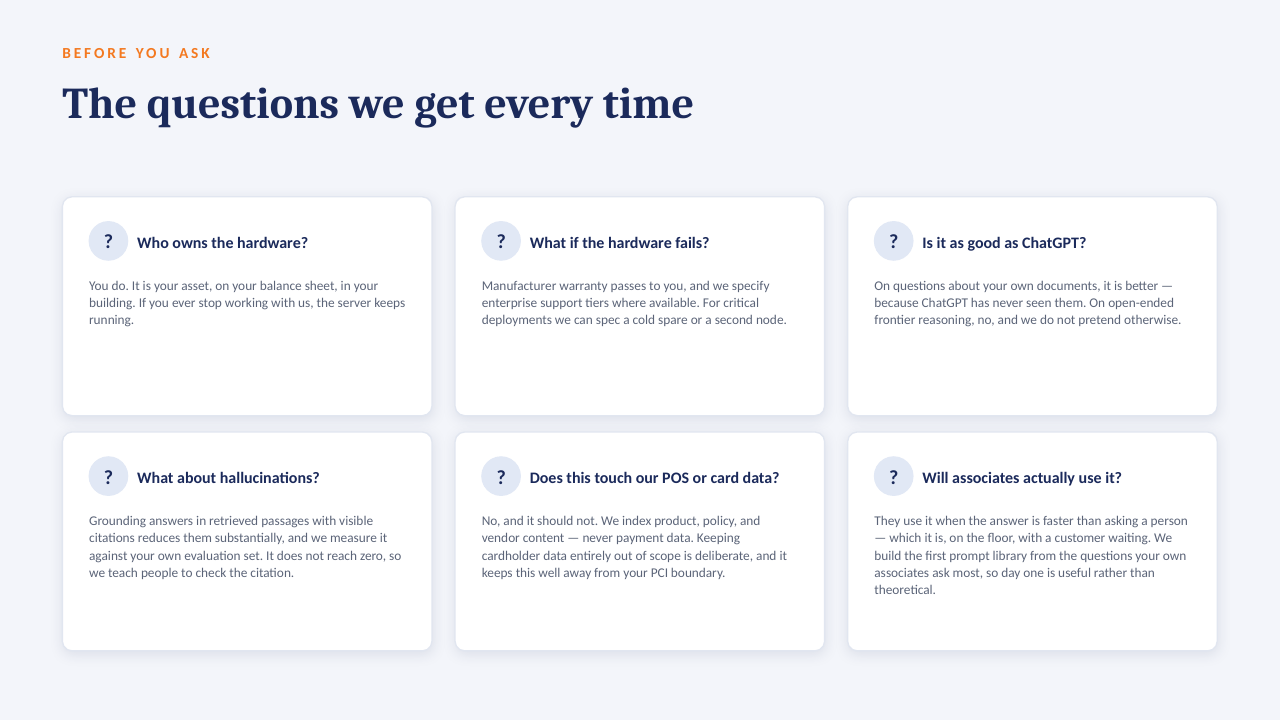
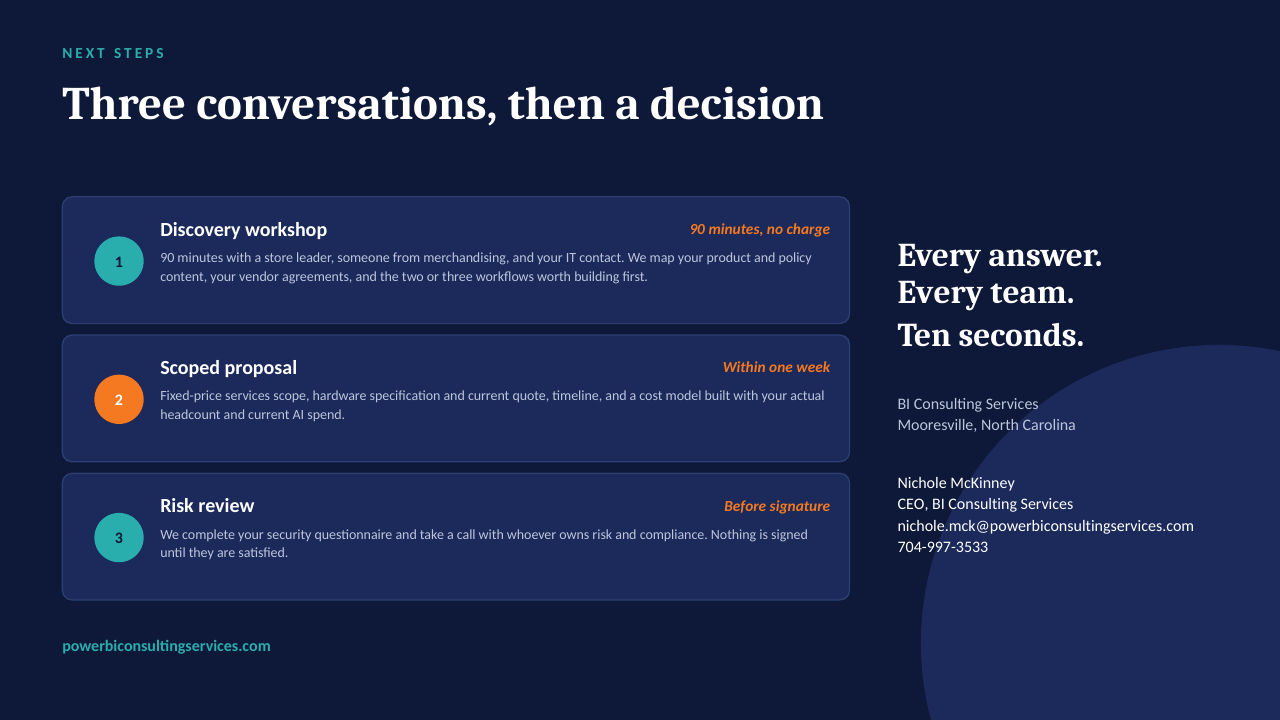
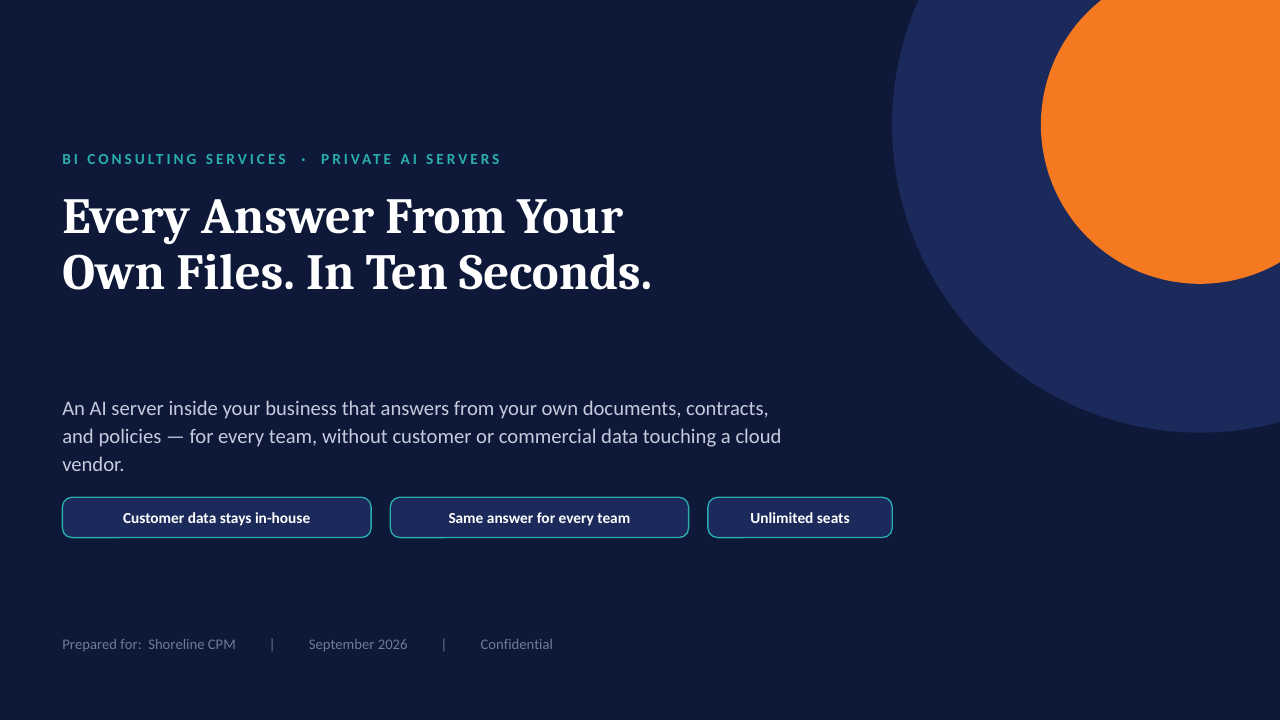
14 slides on how a private AI server is scoped, secured and rolled out. Click through, or take the PDF.

Download the PDF
Private AI on your own server — slide 1 of 14 Private AI on your own server — slide 2 of 14 Private AI on your own server — slide 3 of 14 Private AI on your own server — slide 4 of 14 Private AI on your own server — slide 5 of 14 Private AI on your own server — slide 6 of 14 Private AI on your own server — slide 7 of 14 Private AI on your own server — slide 8 of 14 Private AI on your own server — slide 9 of 14 Private AI on your own server — slide 10 of 14 Private AI on your own server — slide 11 of 14 Private AI on your own server — slide 12 of 14 Private AI on your own server — slide 13 of 14 Private AI on your own server — slide 14 of 14
1 / 14Tap or click a slide to advance · arrow keys work too

Worth a conversation? Book 30 minutes with NicholeBI Consulting Services · powerbiconsultingservices.com